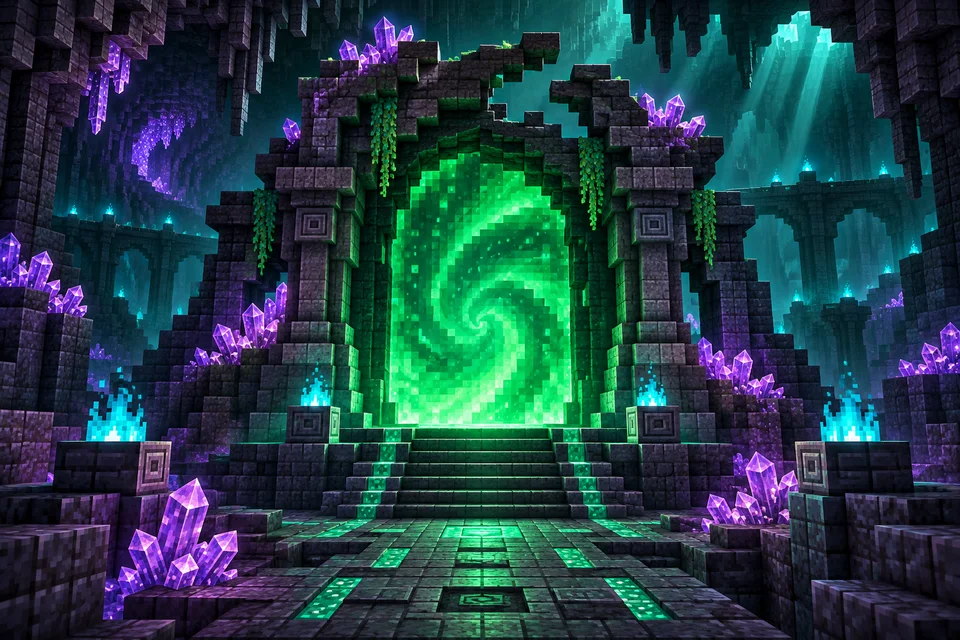
Call of the Abyss
Check /abyss status before heading to spawn. When the event is running look for the portal there.
Open the artifact shop with /abyss shop. The short commands are /abyss for status and /abyssshop for the shop.
Open Minecraft Java 1.21.11. Go to Multiplayer then Add Server and enter swinsmp.ru. Accept the SwinSMP resource pack to see the custom items and portals.
In the commands below <player> is required and [player] is optional. Leave out the brackets when typing. If you see on | off then pick one option.
/donate/cosmetics/swinbucks balance/kit balance/kit claim diamond/kit claim netherite/tpaccept [player]/tpdeny [player]/clan/clan create <name>/clan invite <player>/clan accept [player]/clan deny [player]/clan info [name]/clan list [page]/clan chat/cc <message>/clan pvp on | off/clan kick <player>/clan transfer <player>/clan leave/clan disbandJoin events and clans. Accept or decline TP requests. Open /cosmetics and check /swinbucks balance. All player commands.
Player commands plus one home and /kit dirty. Includes TP requests and a custom join message.
Two homes plus TP requests and the portable crafting table. Choose your prefix and join sound. Your rank kit is /kit swin.
/sethome [name]/home [name]/homes/delhome [name]/tpa <player>/autoaccept on | off/autoaccept <player>/autoaccept list/joinmsg <text>/joinmsg reset/kit swin/craft/prefix <text>/prefix reset/joinsound on | off/kit dirty gives 8 steaks and a golden apple every 72 hours. /kit swin gives 12 steaks plus 2 golden apples and an enchanted golden apple every 96 hours by default.
Both kits include a full armor set with Protection I plus a Sharpness I sword and an Efficiency I pickaxe. All gear has Unbreaking I.
/kit claim diamond gives diamond gear plus 16 steaks and a golden apple. Unlocks 48 hours after wipe by default.
/kit claim netherite gives netherite gear plus 24 steaks and 3 golden apples. Unlocks after 120 hours by default. Each claim uses one purchased kit. Check remaining kits with /kit balance.
Check /abyss status before heading to spawn. When the event is running look for the portal there.
Open the artifact shop with /abyss shop. The short commands are /abyss for status and /abyssshop for the shop.

Use /desert status or /desert to see if the court is open and check the entry requirements. Once it opens use /desert tp to get there.
Look for Hanna inside the palace. Use /desert treat to buy her a treat.

Explore the winter map and look for loot chests. Candy canes and winter items are part of this seasonal event.
Once you have access to the event use /newyear shop to browse the winter shop. The shortcut is /newyear.
Swinbucks are the cosmetic currency. Use them to buy available effects and sounds at the shop NPC or in /cosmetics. Check your balance with /swincoins balance.
Open the SwinSMP shop and enter your in-game name at checkout.
Use /cosmetics or open Cosmetics at the shop NPC.